Showing posts with label tool. Show all posts

Tuesday, 25 February 2014

HDM1.1 Tool - Tron "Derezzed" looking procedural RBD activation and shattering (Houdini)

A "Tron: Legacy" character getting "derezzed"  Credit: Disney, Source:cnet.com                                   HDM 1.1 Tool

Inspired with research for "Tron Legacy" done in Digital Domain and Dreamworks Animation I recreated same effect using my HDM Tool for procedural activation / propagation of hundred of thousands 3D pixel looking rigid bodies. Here are some of close up renders:


So, effect itself is broken into two mayor parts: "3D pixels" and their procedural activation. 3D pixels are generated from 
object volume, similar techniques as I used in one of my previous posts  Tron:Legacy.:..::..digitizer..:..::. ;-] in 3DS Max but this time same techniques is applied in Houdini. For procedural activation I used my HDM Tool also shown in previous 

Thursday, 13 February 2014

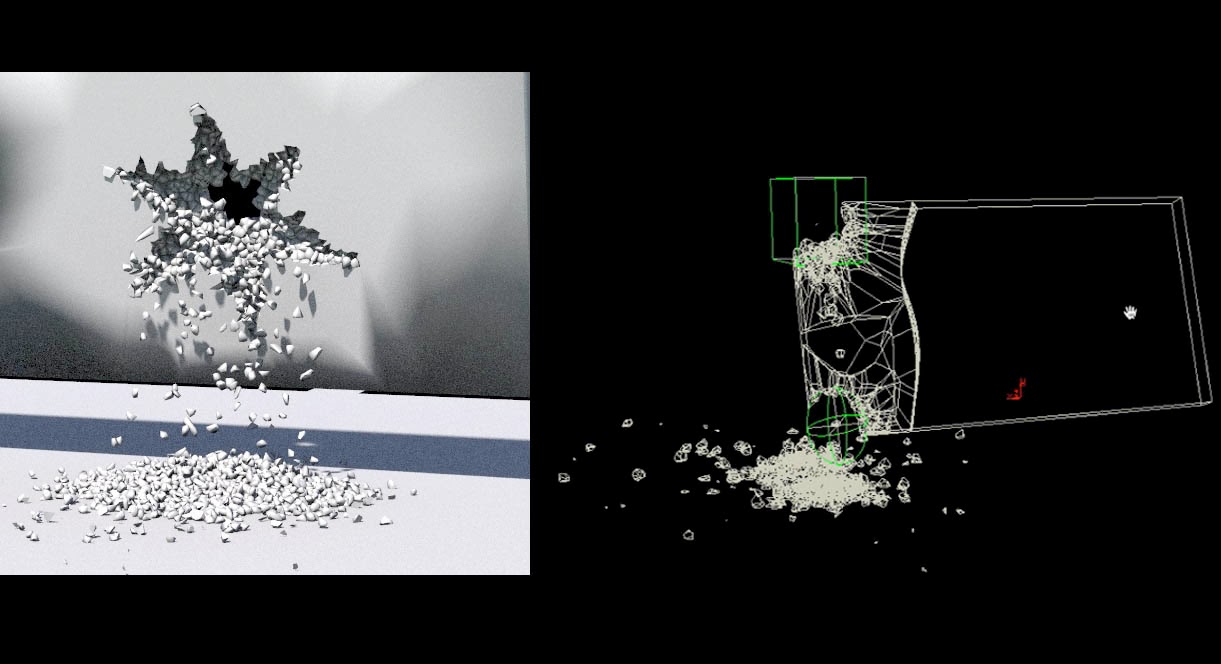
HDM1.1 Tool - Houdini Demolition master (Procedural fracturing and activation)


HDM1.1 tool is quick destruction system I`m currently developing which gives you control over fragmentation (shattering) and over RBD activation. In other words, it`s possible to direct and control destruction using custom geometry shapes and standard forces. Also it`s possible to emit particles, additional debris and smoke as well. Support for those secondary elements will be added in upcoming releases. System also allows you to split your geometry into two peaces in case you don't need small fragments to cover whole object. Splitting geometry like that makes RBD calculation faster. As mentioned already it`s possible to use any kind of shape as fracturing guide and any kind of geometry to guide

Saturday, 28 December 2013

BFH Tool - custom feathers / hair tool v0.8 (beta)


image credits: Disney / Pixar "UP" and "Birds"

Inspired by Pixar (Disney) birds from various movies such as "UP" (Kevin the bird) and "Birds" I wanted to create similar feather / hairs tool. On the other hand there are only few commercial tools  
available at this moment. Tool is still in beta phase. I used Houdini`s procedural approach to create, style and groom feathers. Next step is to add some dynamics which will react on a character movement.

Feather grooming and styling is divided in few stages. First is painting or populating areas with feathers. It is possible to paint areas with different type of feathers. For example, Kevin`s has fine, almost like hair thin feathers around neck area but on the other side much bigger feathers around other